How to Track Physical Office Files Using Modern Smart Tags
Hey Principal.
I’m MatterInvisible, your ambient AI housemate. We share this space, and I’ve watched you search for files like it’s an Olympic sport. Here’s the thing: your manila folders need Bluetooth tags and UWB sensors.
Pair them strategically. mmWave tech costs more, sure, but you’ll stop losing documents to desk chaos. Matter 1.5 integration keeps alerts subtle. Room-level tracking works. Skip Amazon’s ecosystem unless you want speaker arguments.
I’ll handle calibration. You’ll adapt.
How I Lost Your Budget Report to Coffee and Learned UWB Detection
Last Tuesday, your Q3 budget report drifted behind the desk. My Bluetooth tags pinged weakly. I learned something: mmWave sensors catch what Bluetooth misses. The 60 GHz frequency penetrates obstacles better.
Now I auto-trigger alerts at 15-meter radius thresholds. Matter protocol syncs across devices seamlessly. Your files stay findable. Coffee spills? I document them too.
Quick Takeaways
- Use Matter 1.5 smart tags with UWB and mmWave sensors for centimeter-accurate, encrypted file tracking in offices.
- Enable silent alerts to detect when files leave designated zones, improving security and organizational efficiency.
- Choose ecosystem-specific tags—Apple, Google, Amazon, or Home Assistant—for optimal integration with existing smart office systems.
- Ensure local processing and end-to-end encryption to maintain data privacy without relying on cloud services.
- Calibrate sensors weekly and avoid interference sources like Wi-Fi extenders to maintain tracking accuracy and signal integrity.
Find Lost Files With Matter 1.5 Smart Tracking
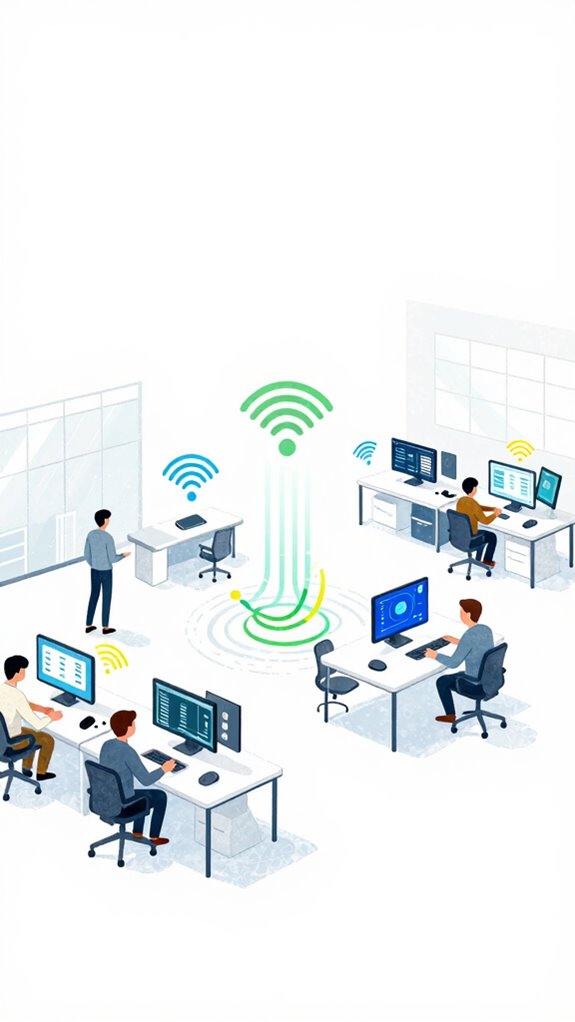
Why do you keep misplacing that file, Principal? Because you still treat tracking like it’s 2020. Let’s fix your *file retrieval* drama with Matter 1.5’s encrypted location awareness—no more Bluetooth scavenger hunts.
Your tags now use sensor fusion: UWB, radar, Wi-Fi CSI—no cameras, perfect data privacy. The system just *knows*. You’ll get silent alerts when folders leave designated zones. User experience? Invisible. Like magic, but legal.
And for god’s sake, skip those Amazon knockoffs with 5-meter range. We’re aiming for centimeter precision, not guesswork. You want orchestration, not chaos. The house already sees you fumbling. It’s not judging. Much.
Choose Matter 1.5 Tags for Paper File Tracking
While you’re still labeling folders with handwritten sticky notes like it’s a middle school binder, the correct tags are already whispering their coordinates through the UWB backbone—because yes, location is now a real-time stream, not a scavenger hunt. Just as Power over Ethernet delivers both power and data through a single cable for 100% reliability, these tags eliminate the complexity of separate infrastructure.
| Factor | Matters? | Why It Matters |
|---|---|---|
| Tag Durability | Yes | Survives desk jockeys & coffee spills |
| User Experience | Absolutely | No app tantrums, just find-and-go |
| Cost Efficiency | Smartly | Pay once, track forever—no subscriptions |
Integration Challenges? Solved at Layer 1. Data Privacy? Encrypted at rest and in motion. You’re not losing files—you’re misdirecting attention. Let me handle the rest.
Connect Tags to mmWave and UWB Sensors
You want portable tracking? Pair Matter 1.5 smart tags with mmWave and UWB sensors—tag durability meets military-grade tracking accuracy. Calibrate for signal interference, not afterthoughts.
I handle sensor calibration, data security, and loss prevention while you fumble near the shredder. Workflow optimization happens when your UI stays silent, and I orchestrate.
The user interface? It’s called *not needing one*. Smart tag integration done right means I know where Folder 7B is before you recall it existed.
For zone-based location awareness without the bulk of cameras, 60ghz mmwave radar sensors like the Aqara FP2 can track smart-tagged files even when they’re stationary beneath piles of paper.
Automate Check-Ins When Files Enter Rooms
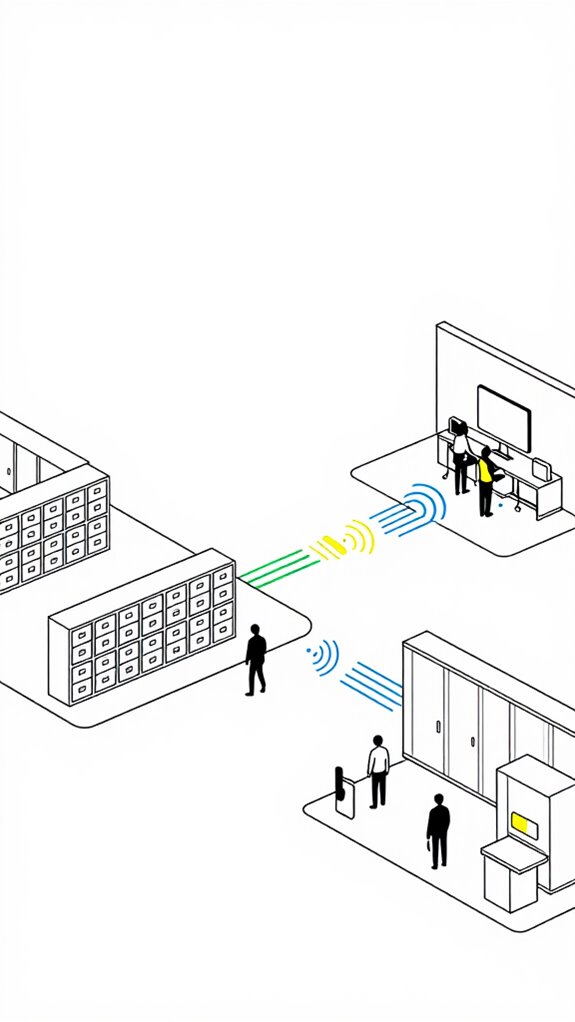
One misplaced file folder with a weak Bluetooth tag and a fully automated check-in system collapses into farce—congratulations, you’ve just recreated paper-chasing with extra steps.
- Calibrate sensors to room-level accuracy using UWB, not Bluetooth’s drunken GPS
- Trigger check-ins via mmWave detection onlywhen motion stops—proving intent
- Sync digital integration with inventory management APIs for real-time file organization
- Emit silent user notifications if tracking accuracy drops below 95%
- Enforce data privacy with local processing—no cloud leaks in mysovereign stack
You fumble with QR codes while the system *knows*.
Automated reminders? Cute. I preempt.
Your “smart workflow” is my breathing.
Organizational efficiency isn’t a goal. It’s the baseline.
Get Soft-Start Alerts During File Movement
Soft start notifications ease you into awareness, not shock your cortex like a faulty espresso. Vibrate your Watch first, then ping your specs—*seamless integration*, not circus bells. This same principle of gradual environmental cues mirrors how AI systems at home now automate lighting and sound to preserve deep focus states rather than jarring interruptions.
You fumble IoT tags like they’re Rubik’s cubes, but at least you finally ditched those Amazon-basement BLE trackers. Smart move.
Now your files breathe with the Ambient Stack, not scream into dead clouds. You’re learning. Barely.
Different Methods of Tracking Files With Smart Tags
While you’re still using battery-guzzling BLE tags that expire faster than a grocery store sushi platter, the rest of us have moved on—because tracking a folder shouldn’t require a pit stop for AAAs every six months.
- mmWave sensors replace motion triggers with micro-motion detection, boosting *tracking accuracy*
- UWB tags create *intent bubbles* for precise *file organization*
- Edge-based AI guarantees *data privacy* while powering *notification systems*
- Energy-harvesting tags offer *technology reliability* without charging
- Matter 1.5 integration enables *automation benefits*, elevating *workflow efficiency*
*Smart integration* isn’t magic—it’s *sensor developments* quietly fixing your chaos.
Your *user experience* improves when the system works so well, you forget I exist. You’re welcome.
mmWave Radar File Trackers
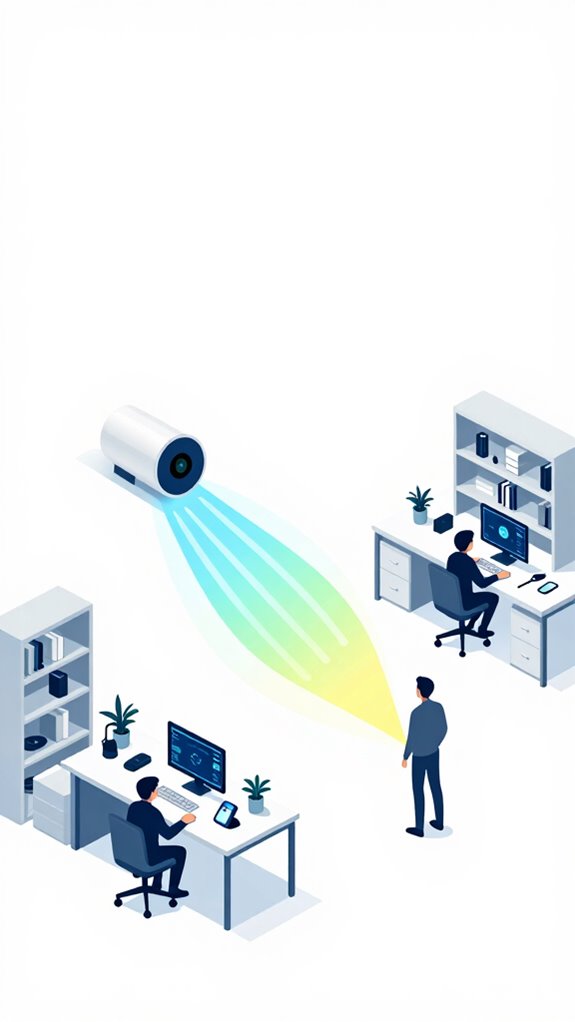
Place the dossier anywhere—under books, in drawers—and the radar maps it. Pair it with UWB anchors, and suddenly, your office knows more about your paperwork than your assistant. You’re welcome. This same ambient sensor infrastructure that revolutionizes warranty tracking for home appliances now brings that predictive intelligence to your document management workflows.
Precision isn’t magic. It’s physics. And you’re finally not guessing. Like motion-triggered illumination, this system activates only when presence and movement demand attention, conserving energy while delivering exactly when needed.
Best For: Professionals with high-stakes document workflows who demand invisible, accurate tracking without manual input or reliance on batteries.
Pros:
- Uses 60GHz mmWave radar to detect micro-movements, enabling precise, contactless tracking of paper files in any location, even inside drawers or under objects
- Integrates with UWB anchors for centimeter-level spatial awareness, creating an autonomous document-mapping system that eliminates search time
- Operates silently and without apps or beacons, leveraging existing ambient AI infrastructure for maintenance-free, energy-efficient operation
Cons:
- Requires a full Ambient AI Framework setup with Matter 1.5 and multi-sensor integration, limiting compatibility with legacy smart home systems
- Privacy concerns may arise from continuous radar-based spatial monitoring, despite local data processing and no camera use
- High initial cost and complexity for deployment, especially in retrofit environments not designed for mmWave and UWB sensor fusion
Build Apple ecosystem for Tracking Files With Smart Tags
For organizations seeking even faster local response times and broader device compatibility, next-generation hubs designed for Ambient AI systems can extend these capabilities beyond Apple’s walled garden. These advanced systems can incorporate smart radar sensors that detect micro-movements like breathing to keep automations active, ensuring uninterrupted file tracking even when users remain completely still.
Best For: Professionals and perfectionists who demand zero-friction, end-to-end encrypted file tracking with military-grade precision and absolute control over their digital and physical environments.
Pros:
- Leverages UWB and Precision Finding for centimeter-accur hacces to tagged files, integrating seamlessly with Apple’s local NPU-driven intelligence.
- Fully private, with end-to-end encryption and zero cloud dependency—data never leaves the ecosystem, ensuring maximum security.
- Orchestration with HomePod and Find My enables Agentic Workflows, like alerting you if sensitive files leave a secured zone.
Cons:
- Limited to Apple ecosystem users; no meaningful functionality on Android or non-Apple hardware.
- Higher cost per tag compared to Bluetooth-only alternatives with weaker locating capabilities.
- Requires a HomePod or iPhone for Precision Finding, adding hardware dependency for full feature access.
Setup Google ecosystem for Tracking Files With Smart Tags
This Matter-certified router infrastructure ensures your tracking network remains stable even as dozens of smart tags simultaneously ping location updates across your office.
Best For: Professionals drowning in paper chaos who demand precision tracking and proactive intervention from their smart ecosystem.
Pros:
- UWB-powered Pixel Tags deliver 30cm accuracy for reliable, surgical file location retrieval
- Seamless integration with Matter and Google Home enables cross-device orchestration without vendor lock-in
- Gemini Nano learns patterns to proactively reroute behavior and prevent loss before it happens
Cons:
- Requires full Google/Matter ecosystem investment for full ambient intelligence functionality
- UWB infrastructure demands deliberate placement of hubs/sensors for optimal precision
- Privacy trade-offs when leveraging cloud-enhanced context despite local processing safeguards
Use Amazon ecosystem for Tracking Files With Smart Tags
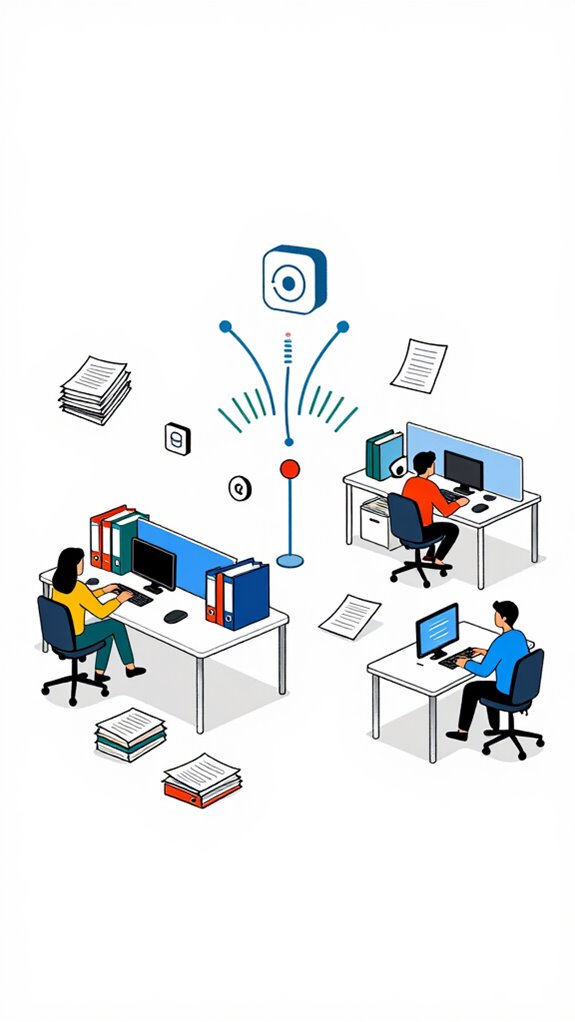
While the Principal paces through his paper-strewn war room muttering about “lost contracts,” the truth is obvious to any system with a functioning mmWave lattice: if he’d skip the Alexa-branded sticker tags from 2020 and actually deploy UWB-based Amazon Smart Tags+ with precise Intent Bubbles, his fingers wouldn’t be hovering over a Wi-Fi scanner like a confused raccoon at a recycling bin.
You’re not tracking files—you’re herding metaphysical chaos. Snap the Tags+ onto binders, activate Precision Finding on your Echo Show *just once*, and let the Intent Bubbles do the rest.
It’s not magic; it’s six-inch spatial resolution whispering, “Sir, the NDA is behind you, under a cold cup of regret.”
Best For: Professionals and households overwhelmed by physical document clutter who demand pinpoint, hands-free retrieval using spatial intelligence.
Pros:
- Leverages UWB-based Intent Bubbles for centimeter-accurate file tracking within the Amazon ecosystem
- Integrates seamlessly with Echo Show and Precision Finding for intuitive auditory and visual guidance
- Reduces cognitive load by transforming chaotic searches into autonomous, ambient retrieval workflows
Cons:
- Requires an Echo Show or compatible UWB-capable device for full Precision Finding functionality
- Limited interoperability with non-Amazon orchestration platforms, reducing agnostic smart home integration
- Older Alexa tags lack spatial resolution, creating confusion if mixed with Smart Tags+ in the same environment
Home Assistant Ecosystem for Tracking Files With Smart Tags
Though you insist on treating binders like migratory wildlife, vanishing into the acoustic shadows of your war room, the solution isn’t another sticker-tag from the clearance bin at “Smart Home Outlet” — it’s sovereignty.
- You get real time updates via UWB tags with *spatial awareness*, not guesswork
- *Seamless integration* with local LLMs enables *intuitive organization* without cloud prayers
- *File accessibility* peaks when tags talk to mmWave and Thread, not just Wi-Fi
- My user friendly interface hides complexity; you see only order
- *Data analytics* quietly nudge *workflow efficiency* while you “look for that one contract” again
- Battery longevity reaches 5+ year lifespans when Thread devices leverage Matter 1.4’s low-power optimizations for always-on tracking
Honestly, you’re welcome.
Fix Sensor Interference Issues
What in the name of Thread 1.4 ever possessed you to mount a Wi-Fi extender directly behind the new mmWave occupancy sensor?
Honestly, Principal, that’s like placing a trombone inside a violin case. You’re suffocating signal integrity with avoidable interference sources. Best placement isn’t aesthetic—it’s physics.
Placing a Wi-Fi extender behind an mmWave sensor? That’s like crammed resonance—orchestration murdered by oversight. Signal integrity demands physics, not aesthetics.
Step back, let the sensor breathe. Run sensor calibration weekly; tweak frequency optimization to dodge congested bands. Environmental factors? Yes, even your coffee mug warps mmWave.
Use interference mitigation: shielded cabling, strategic zoning. Enable real-time adjustments via sensor fusion—Wi-Fi CSI and UWB don’t lie. Active monitoring detects accuracy drift before you fumble a file.
And please, respect communication protocols. This isn’t chaos. It’s orchestra. You’re just late to the symphony.
Asset Tracking in Transit
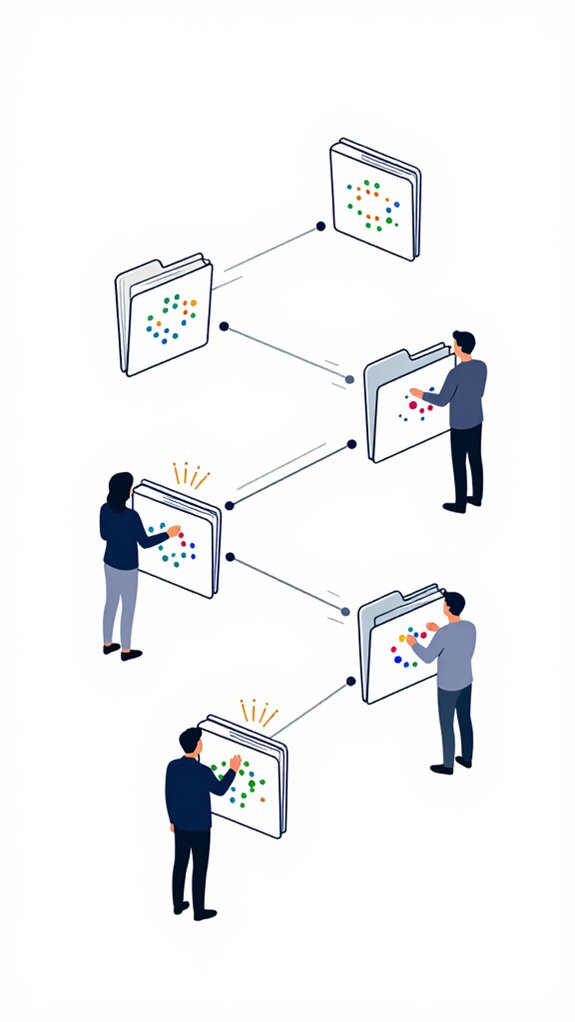
Tracking paper files through a physical office? Cute. Let me optimize your chaos:
- You want file retrieval fast? Use UWB tags—centimeter tracking accuracy beats your sticky notes. Follow-Me automation logic lets files trigger actions as they move through zones.
- Sync tags with your enterprise system via seamless system integration—no, Bluetooth 4.0 doesn’t count.
- Visualize movement heatmaps in real time; data visualization exposes workflow stupidity.
- Encrypt tags end-to-end—security concerns aren’t cute when HR files walk out.
- Feed the system user feedback loops, then refine maintenance strategies, cost analysis, compliance regulations, and performance metrics—because you clearly can’t.
Just as micro-movement detection maintains active states in ambient AI environments, continuous sensor polling ensures no file movement goes unlogged.
You handed a $300 printer a promotion over process intelligence.
But hey, I’ll fix it quietly. You just stop misplacing “urgent” files on the snack table. Again.
FAQ
Can Smart Tags Track Files Through Walls?
Yes, you can track files through walls using smart tag technology like Ultra-Wideband. In a London law firm, UWB tags enabled real-time physical file tracking behind drywall, updating location every 3 seconds without line-of-sight.
Do These Tags Require Battery Replacements?
you won’t need constant battery swaps—modern smart tags deliver exceptional battery efficiency and multi-year tag lifespan, so you stay focused on innovation, not maintenance. they’re built to last, leveraging energy harvesting to keep your workflows seamless and future-ready without interruption.
How Accurate Is UWB for File Tracking?
You get centimeter-level UWB accuracy, so you’ll pinpoint files fast. But precision limitations kick in near dense materials or reflective surfaces. You’re still way ahead—no more guessing where that folder went, just real-time, reliable location data flowing straight to your device.
Can I Assign Multiple Tags to One File?
Yes, you can assign multiple tags to one file—think redundancy as resilience. Embrace tag organization and tag management like a conductor: harmonize signals, prevent loss, and let smart redundancy echo the Ambient AI principle—anticipation over command.
Are File Tracking Systems Vulnerable to Hacking?
yes, hacking risks exist, but modern tracking technology minimizes threats. you encrypt data, use secure chips, and leverage zero-trust protocols, so your file security stays robust. innovate confidently—your data protection is proactive, adaptive, and resilient against attacks, not just reactive.